GitHub Copilot
GitHub Copilot is an AI coding assistant that suggests code, answers questions, explains and fixes bugs, and handles multi-step tasks inside popular editors and GitHub, with free and paid plans.

Overview
What is GitHub Copilot?
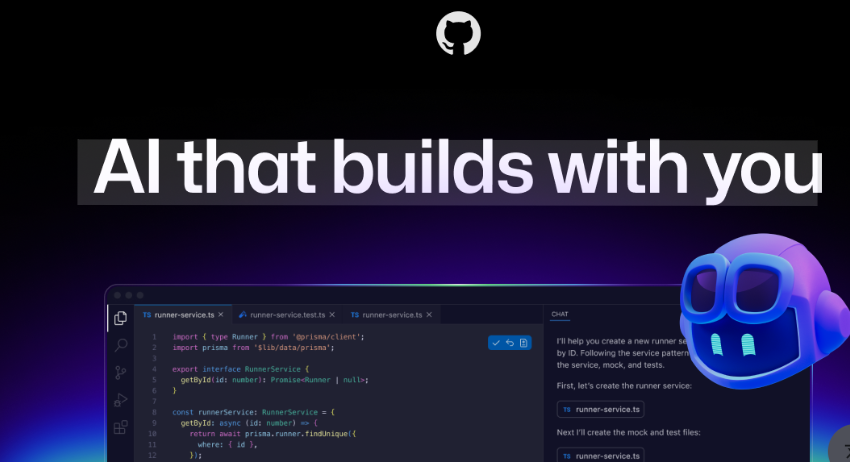
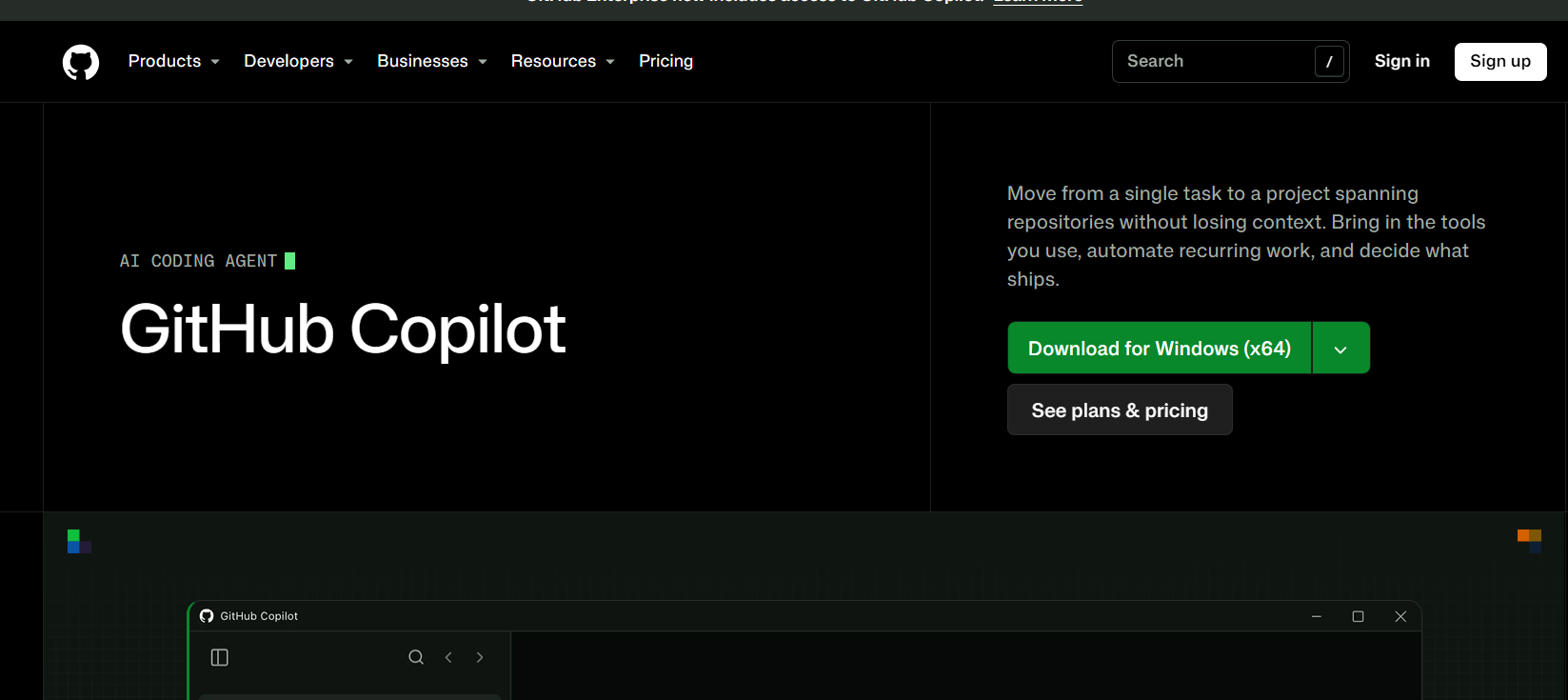
GitHub Copilot is an AI coding assistant from GitHub, built to help developers write, understand and fix code faster. It works inside popular editors such as Visual Studio Code, Visual Studio and JetBrains IDEs, as well as on GitHub itself, and suggests code as you type or answers questions in a chat panel.
Copilot can complete lines and whole functions, explain unfamiliar code, generate tests, suggest fixes for bugs and help with refactoring. Agent features let it take on multi-step tasks, such as making changes across several files and opening pull requests, while you review the results. It supports many programming languages and frameworks.
GitHub Copilot is freemium. There is a free plan with limited usage, paid Pro and Pro+ plans for individuals, and Business and Enterprise plans for teams that add admin controls and organization-wide policies. Verified students, teachers and maintainers of popular open source projects can get free access. It is widely used by professional developers, students and engineering teams who want to speed up routine coding work.
Is GitHub Copilot free?
Yes, there is a free plan with limited usage. Paid plans unlock higher limits and more advanced features, and verified students and teachers can get free access.
Which editors does GitHub Copilot support?
It works in Visual Studio Code, Visual Studio, JetBrains IDEs and on GitHub, among others.
What can GitHub Copilot do?
It completes code, answers questions in chat, explains code, helps write tests and fixes, and can handle multi-step coding tasks.
How much does GitHub Copilot cost?
Individual plans start free, with paid tiers from about $10 per month. Business is about $19 and Enterprise about $39 per user per month.
Is GitHub Copilot the same as Microsoft 365 Copilot?
No. They are separate products from different teams.
Key Features
Gallery
Pricing
Pricing tiers and plan details are set by GitHub Copilot and can change — visit their site for current, official pricing.
See official pricing →At a glance

In the same category

Cluade AI
AI Chatbots & Assistants ToolsAI assistant for writing, coding, research, and productivity tasks.
Cursor
AI Coding & Development ToolsThe AI-first code editor

baseten
AI Coding & Development ToolsBaseten offers free usage for developers with scalable paid plans for production and enterprise deployments.