Best Free AI Tools in 2026 (No Sign-Up Required)
Category: Artificial Intelligence / Tech Tools Read Time: 6 minutes
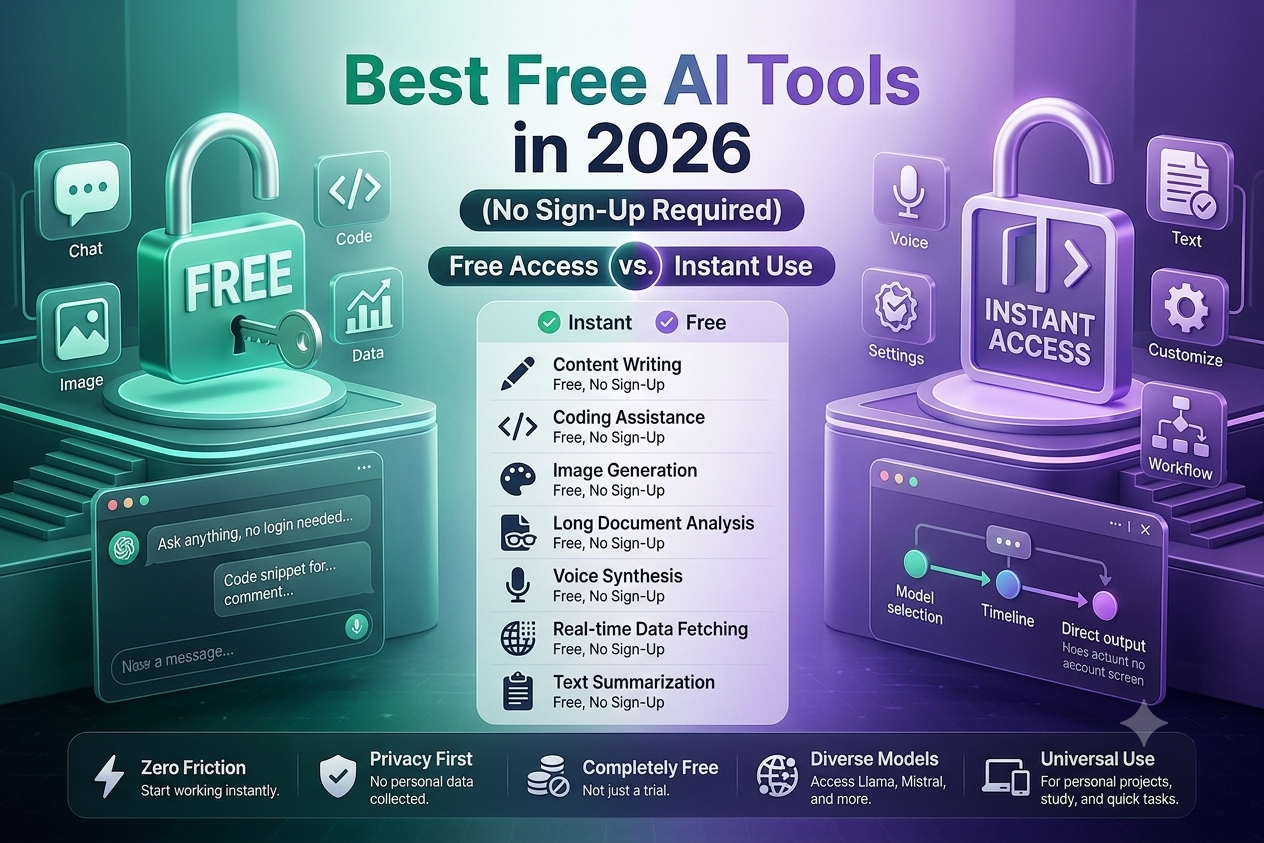
Creating an account for every new AI tool you want to try is tiring. Between verifying emails, remembering passwords, and worrying about where your data ends up, the friction often isn't worth it — especially if you just want to test something once. The good news is that in 2026, you don't have to. A growing number of platforms now let you jump straight in and start working, no registration wall in sight.
This guide rounds up the best free AI tools in 2026 that require zero sign-up, so you can write, search, chat, and create without handing over your email address first.
Why No-Signup AI Tools Matter in 2026
The demand for AI tools no signup has exploded for a few simple reasons:
- Speed – You get an answer or output in seconds, not after filling out a form.
- Privacy – Fewer accounts mean fewer places your personal data can be stored, leaked, or sold.
- Testing before committing – You can try a tool's core features before deciding whether it's worth creating a full account.
- Shared or public devices – Students in libraries, employees on shared computers, or anyone using a borrowed laptop can get instant AI help without leaving login traces behind.
With that in mind, here are some of the most useful free AI tools 2026 has to offer, all usable without registration.
1. Perplexity AI (Guest Mode)
Perplexity remains one of the strongest AI-powered search engines available, and its guest mode lets you run a solid number of searches and follow-up questions before any sign-up prompt appears. It combines conversational answers with cited sources, which makes it especially useful for research, fact-checking, and quick explainers. Students and writers who need credible references fast will find this one of the best free AI websites for that purpose alone.
Best for: research, summaries, source-backed answers Limitation: heavier usage eventually nudges you toward creating an account
2. Microsoft Copilot (Browser Access)
Copilot's web version lets you chat, brainstorm, get coding help, and even generate images directly from your browser without signing into a Microsoft account first. It's a flexible all-rounder — decent for casual conversations, drafting emails, or getting a second opinion on code snippets.
Best for: general chat, brainstorming, light coding assistance Limitation: some advanced features and longer chat history do require login
3. Google Gemini and Google AI Studio
Google's ecosystem offers two useful entry points. Gemini's basic chat interface can be used without an account for quick questions, while Google AI Studio gives developers direct, login-free access to test prompts against Google's models. This makes it a favorite among developers who want to prototype ideas or evaluate model behavior before building anything more permanent.
Best for: developers, quick prompt testing, everyday Q&A Limitation: saving projects or accessing history requires a Google account
4. DuckDuckGo AI Chat
If privacy is your top priority, DuckDuckGo's AI Chat feature is worth bookmarking. It lets you converse with several different AI models through one interface, and crucially, your queries aren't tied to a personal profile the way they might be elsewhere. For anyone specifically hunting for AI tools no signup because they don't want their prompts linked to an identity, this is one of the cleanest options around.
Best for: private, anonymous AI conversations Limitation: fewer customization options compared to dedicated chat platforms
5. Hugging Face Chat
Hugging Face Chat gives you access to a range of open-source language models directly in your browser. You don't need to sign in to start chatting, though creating an account does unlock saved conversation history. It's a great pick if you're curious about open-source alternatives to the big commercial chatbots, or if you simply want to compare how different models respond to the same prompt.
Best for: experimenting with open-source models Limitation: no persistent chat history without an account
6. Google NotebookLM
While NotebookLM is often associated with signed-in use, its core note-organizing and summarization features can be sampled quickly for one-off tasks like turning a PDF or set of lecture notes into a structured summary. Students in particular have found it useful for condensing dense reading material into digestible study notes.
Best for: summarizing documents, generating study notes Limitation: full functionality and saved notebooks require sign-in
7. QuillBot (Free Tools)
For quick writing fixes, QuillBot's paraphrasing, grammar-checking, and summarizing tools can be used directly on the site without creating an account. It won't replace a full writing assistant subscription, but for a one-off paragraph cleanup or a fast summary, it does the job without any setup.
Best for: paraphrasing, grammar checks, quick summaries Limitation: daily word limits apply for anonymous users
How to Choose the Right Tool
With so many best free AI websites competing for attention, it helps to match the tool to the task rather than trying to find one that does everything:
- Need sourced research? Go with Perplexity.
- Want a general-purpose chatbot? Try Copilot or Gemini.
- Prioritizing privacy above all? DuckDuckGo AI Chat is your best bet.
- Curious about open-source models? Hugging Face Chat is worth exploring.
- Working with documents or notes? NotebookLM handles that well.
- Fixing writing on the fly? QuillBot's free tools are fast and simple.
A Quick Word of Caution
No-signup doesn't always mean unlimited or fully anonymous. Many of these platforms still track usage by IP address or browser session to enforce daily limits, and some collect analytics even without requiring an account. If you're handling sensitive information, it's still worth reading the privacy policy before pasting anything confidential into a chat box.
Also, free tiers on no-login tools are often intentionally limited — expect capped daily queries, shorter conversation memory, or watermarked outputs on image generators. They're excellent for quick tasks and testing, but heavy daily users will likely hit walls that eventually make an account (or a paid plan) worth considering.
Final Thoughts
The push toward frictionless access has made 2026 a genuinely good year for anyone who wants powerful AI capabilities without commitment. Whether you're a student squeezing in a quick summary between classes, a developer testing a prompt idea, or simply someone who values privacy, there's a free AI tool in 2026 that fits the job — and none of them require you to type your email address to get started.