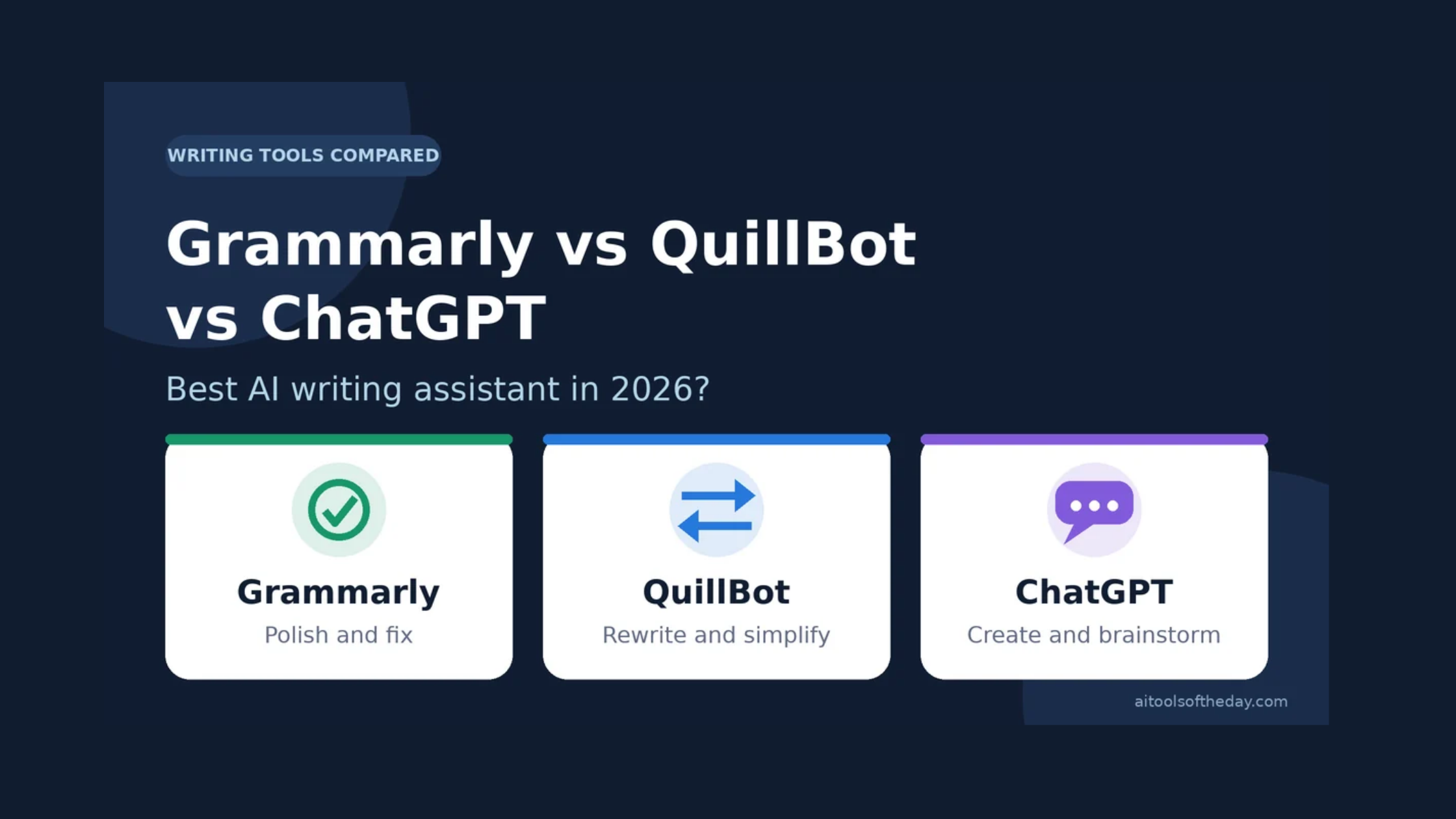
Good writing used to mean a dictionary, a style guide and a lot of patience. Today, millions of people open an AI writing assistant before they send an email, submit an essay or publish a blog post. Three names come up again and again: Grammarly, QuillBot and ChatGPT.
They look similar on the surface, since all three help you write better. But they were built for different jobs, and picking the wrong one can waste both time and money. In this guide we compare them on what matters most: error checking, rewriting, content creation, ease of use and price, so you can choose the right assistant for your daily writing.
Quick Verdict
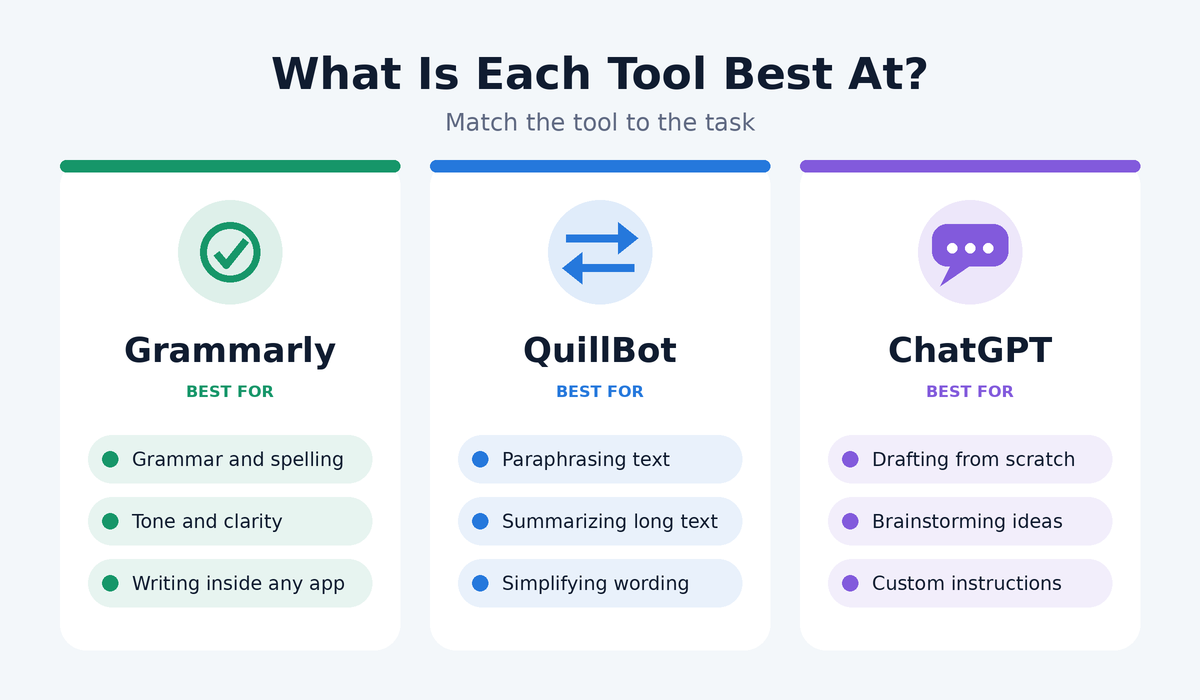
- Best for fixing mistakes and polishing tone: Grammarly
- Best for rewriting, paraphrasing and summarizing text: QuillBot
- Best for creating content from scratch and brainstorming: ChatGPT
If you only want one tool, choose based on what you do most: editing, rewriting or creating. If you write a lot, combining two of them often gives the best results.
What Each Tool Does Best
Grammarly: The Editor
Grammarly works like a careful editor that sits inside your browser, email and documents. It checks spelling, grammar, punctuation, clarity and tone while you type, and it explains why it suggests each change. That makes it useful for learning as well as fixing.
Its biggest strength is convenience. It follows you across the apps you already use, so you rarely need to copy and paste your text anywhere. It is especially popular for professional emails, reports and anything where a typo would look bad. You can read more on our Grammarly tool page.
QuillBot: The Rewriter
QuillBot is best known for its paraphrasing tool, which rewrites a sentence or paragraph in a different style while keeping the meaning. It lets you adjust how much the wording changes, and it also offers a grammar checker, a summarizer and other helpers for working with existing text.
If you often need to simplify a complicated passage, shorten a long paragraph or reword your own draft so it reads better, QuillBot is built for exactly that. It is popular with students and non-native English speakers who want to express the same idea more clearly.
ChatGPT: The All-Purpose Writing Partner
ChatGPT is different from the other two because it is a general AI assistant, not just a writing checker. You can ask it to draft an article, write an outline, suggest ten headlines, explain a topic, change the tone of a message or answer questions about your text. You talk to it in plain language, and it adjusts as you give more instructions.
That flexibility is its superpower. It can go from blank page to full draft in minutes. The trade-off is that you must guide it well and double-check its facts, because it can sound confident even when it is wrong.
Head-to-Head Comparison
|
Feature |
Grammarly |
QuillBot |
ChatGPT |
|---|---|---|---|
|
Main purpose |
Proofreading and polishing |
Paraphrasing and summarizing |
Creating and conversing |
|
Grammar and spelling |
Excellent |
Good |
Good, if you ask |
|
Tone and clarity suggestions |
Excellent |
Basic |
Very good, on request |
|
Rewriting and paraphrasing |
Good |
Excellent |
Excellent |
|
Writing from scratch |
Limited |
Limited |
Excellent |
|
Works inside other apps |
Yes, widely |
Yes, via extensions |
Mainly in its own app or site |
|
Fact accuracy |
Not a focus |
Not a focus |
Needs checking |
|
Ease of use |
Very easy |
Very easy |
Easy, but results depend on your prompt |
|
Free option |
Yes |
Yes |
Yes, with limits |
Features, plan limits and prices change often, so always check each company's official website before you subscribe.
Round 1: Grammar and Proofreading
If your main goal is clean, error-free writing, Grammarly is the most dependable. It catches small mistakes as you type and highlights issues such as wordiness, unclear sentences and inconsistent tone. QuillBot's grammar checker is solid for everyday use, and ChatGPT can proofread too, but you have to paste your text and ask each time.
Winner: Grammarly.
Round 2: Rewriting and Paraphrasing
QuillBot is purpose-built for this. You can paste a paragraph, choose how different you want it to sound, and get a fresh version in seconds. ChatGPT is just as capable and more flexible, since you can say exactly what you want, such as "make this friendlier" or "explain this for a ten-year-old." Grammarly offers rewriting suggestions, but it is not its main focus.
Winner: QuillBot for quick rewrites, ChatGPT for custom instructions.
Round 3: Creating New Content
When you are staring at a blank page, ChatGPT is the clear leader. It can brainstorm topics, build outlines, draft sections and adapt the same message for different audiences. Grammarly and QuillBot can help with small pieces of writing, but they are not designed to produce a long article from scratch.
Winner: ChatGPT.
Round 4: Ease of Use and Convenience
Grammarly wins on convenience because it appears right where you write. QuillBot is also simple, with tools laid out clearly. ChatGPT is easy to start with, but getting great results takes some skill in asking the right questions.
Winner: Grammarly.
Round 5: Learning and Improving
If you want to become a better writer rather than just get a cleaner draft, Grammarly's explanations help you spot patterns in your own mistakes. ChatGPT can also teach you if you ask it to explain its edits. QuillBot is more about producing a new version than teaching.
Winner: Grammarly, with ChatGPT close behind.
Round 6: Pricing and Value
All three have free versions that are useful for light, everyday writing. Paid plans add more advanced suggestions, higher limits and extra features. Because pricing and plan details change regularly, compare the current options on each official site and test the free version first.
Winner: A tie. Start free with all three and upgrade only the one you use daily.
Which One Should You Choose?
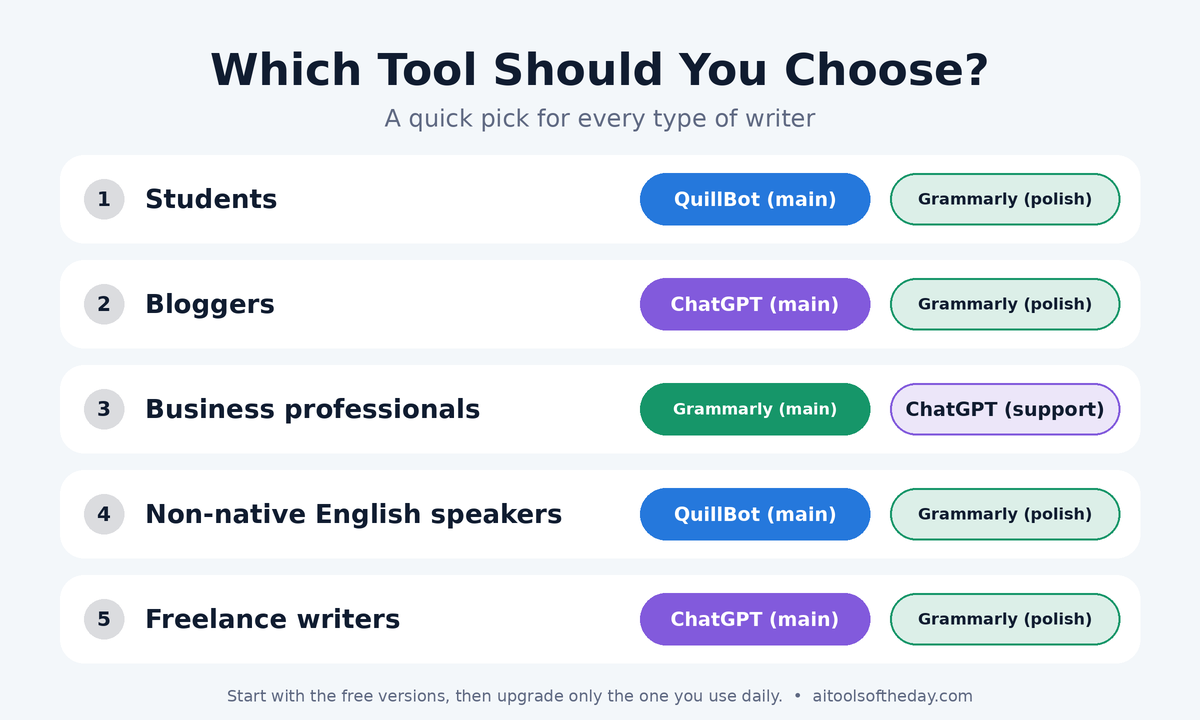
Students: Use QuillBot to simplify and reword your own notes, and Grammarly to catch mistakes before you submit. Use ChatGPT to understand difficult topics, but write your final work in your own words and follow your school's rules on AI use.
Bloggers and content creators: Use ChatGPT for ideas and outlines, then Grammarly to polish the final draft. Add your own experience so your content feels human and original.
Business professionals: Grammarly is ideal for emails, proposals and reports. ChatGPT helps when you need a first draft or want to adapt a message for a different audience.
Non-native English speakers: QuillBot and Grammarly together make a strong pair: one for rewording, the other for correcting.
Freelance writers: A combination of ChatGPT for drafting and Grammarly for final editing is a common and effective setup.
A Smart Combined Workflow
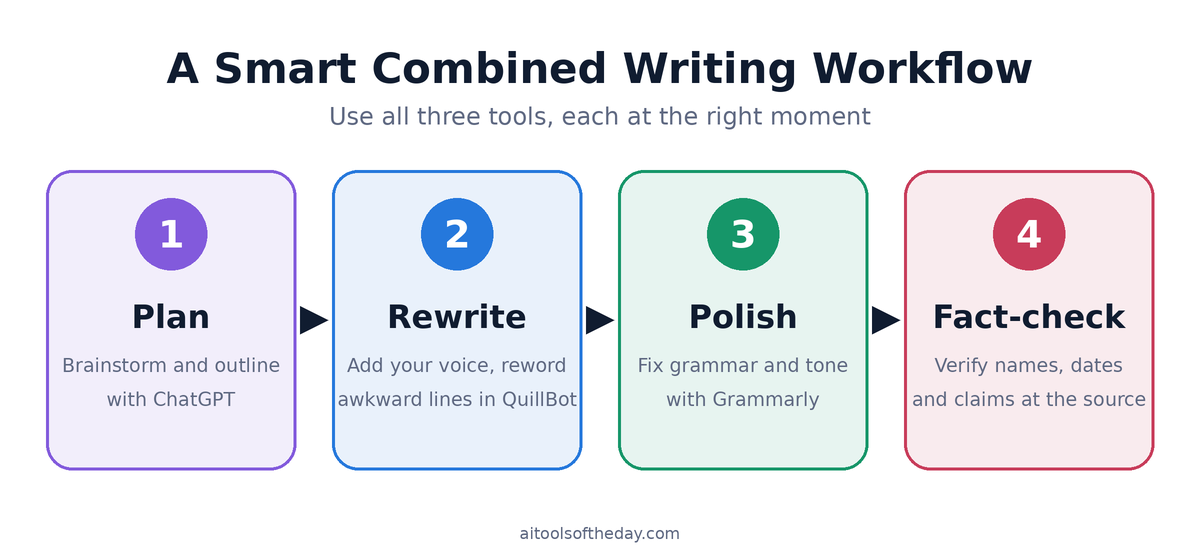
- Plan with ChatGPT. Brainstorm ideas, create an outline and generate a rough first draft.
- Rewrite in your own voice. Edit the draft yourself, adding examples and personal opinions. Use QuillBot for any awkward or overly long sentences.
- Polish with Grammarly. Fix grammar, tighten wording and check the tone.
- Fact-check. Verify names, dates, statistics and claims against reliable sources before you publish.
Common Mistakes to Avoid
- Publishing raw AI text. Readers and search engines value originality and real experience, so always edit and personalize.
- Accepting every suggestion. These tools sometimes change your meaning or flatten your personality. Read each change before you accept it.
- Skipping fact-checks. A smooth sentence is not always a true one.
- Pasting private information. Avoid entering confidential or sensitive data into any online tool unless you have checked its privacy policy.
Frequently Asked Questions
Is Grammarly better than ChatGPT?
They do different jobs. Grammarly is better for quick, in-the-moment proofreading across your apps. ChatGPT is better for creating content, brainstorming and flexible editing.
Is QuillBot the same as Grammarly?
No. QuillBot focuses on paraphrasing and summarizing, while Grammarly focuses on correcting and polishing your writing. They overlap on grammar checking, but their strengths differ.
Can I use all three together?
Yes, and many writers do. Use ChatGPT to draft, QuillBot to reword, and Grammarly for the final polish.
Which is best for students?
QuillBot and Grammarly are popular for improving existing writing, while ChatGPT helps with understanding topics. Always follow your institution's policy on AI use and cite your sources properly.
Are these tools free?
All three offer free versions with some limits. Paid plans unlock more features. Check the official websites for current pricing.
Will AI writing tools replace human writers?
They make writers faster, but they cannot replace personal experience, creativity and judgment. The best results come from people who use AI as an assistant, not a substitute.
Final Verdict
There is no single best AI writing assistant, because each tool shines at a different stage of writing.
- Choose Grammarly when you want polished, mistake-free writing wherever you type.
- Choose QuillBot when you want to rephrase, simplify or summarize existing text.
- Choose ChatGPT when you want to brainstorm, draft and shape content from scratch.
The smartest approach is to match the tool to the task. Start with the free versions, see which fits your habits, and build your own writing toolkit from there.
Looking for more options? Explore our full list of AI writing and content tools in the directory.