A few years ago, researching something online meant one thing: typing a question into Google and opening ten tabs. Today you have a choice. You can ask Perplexity, you can search inside ChatGPT, or you can stick with Google and its AI-generated summaries.
All three can answer a question in seconds. But they are built on different ideas, and that difference matters a lot when you are doing real research. In this guide we compare Perplexity, Google and ChatGPT Search on the things that actually count: accuracy, sources, depth, speed and cost, so you can pick the right tool for your next project.
Quick Verdict
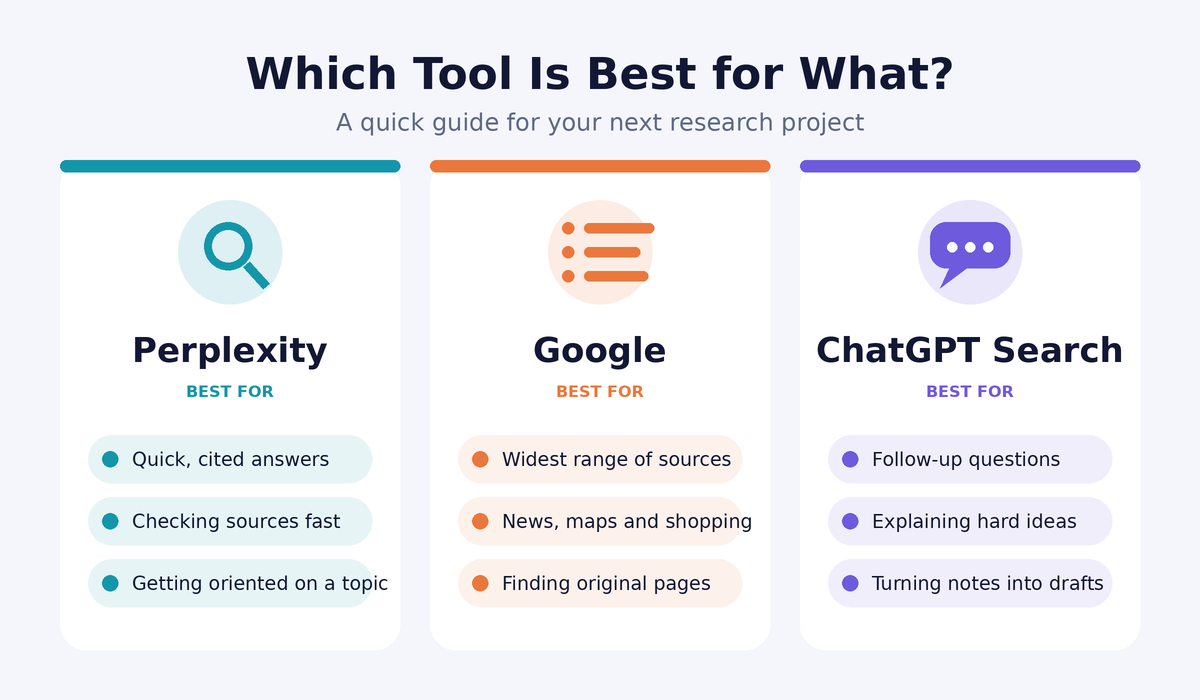
If you are in a hurry, here is the short version.
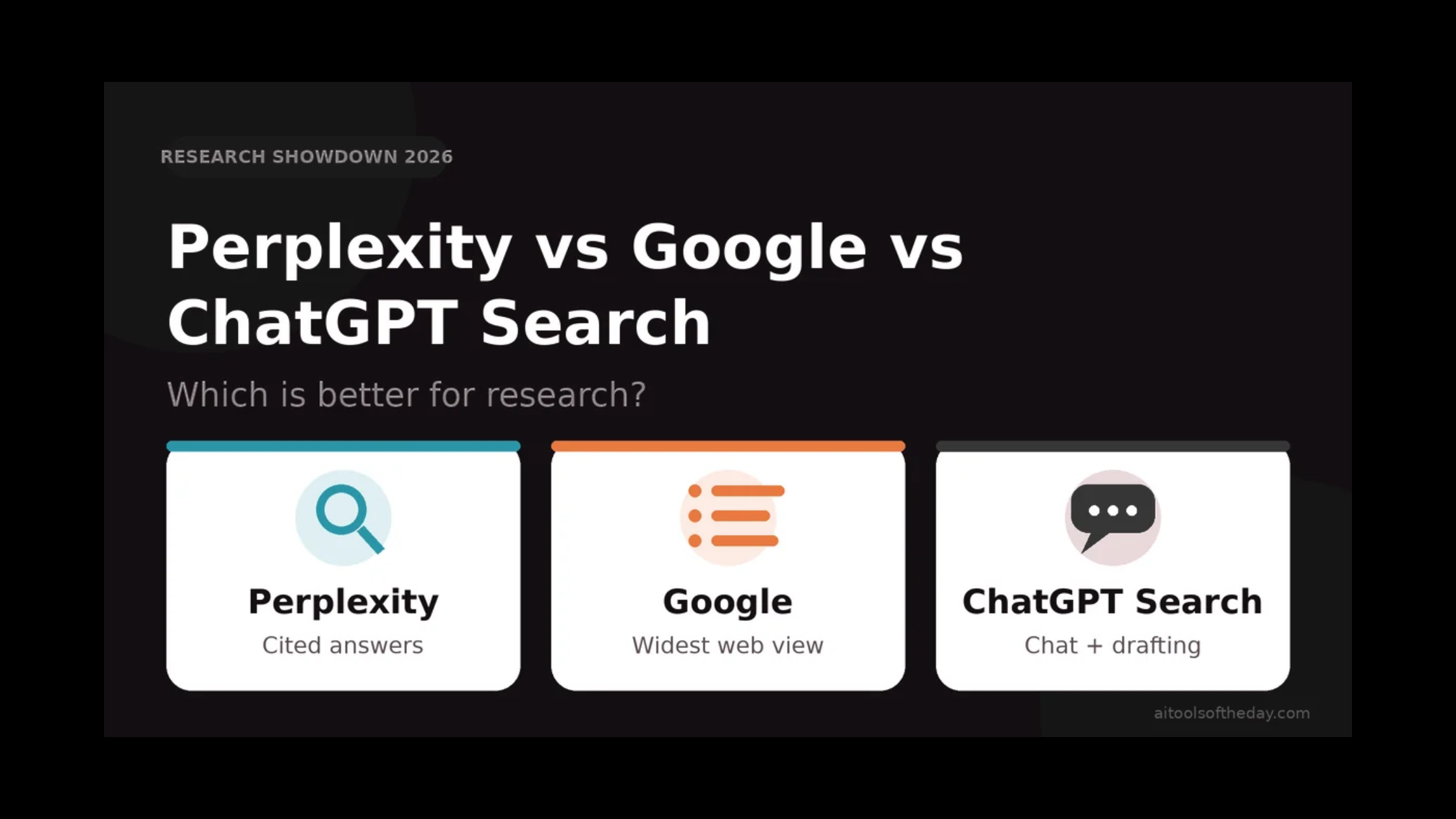
- Best for sourced, cited answers: Perplexity
- Best for finding original pages, news, shopping and local results: Google
- Best for follow-up questions, explanations and turning research into a finished draft: ChatGPT Search
None of them wins every category. The smartest researchers use two of them together. We explain how below.
How Each Tool Works
Perplexity: The Answer Engine
Perplexity was designed from day one as an answer engine rather than a list of links. You ask a question, it searches the web, reads the results and writes a short summary with numbered citations that point back to the pages it used. You can click any citation to check the original.
Because sources sit right next to every claim, Perplexity feels built for research. It also lets you narrow where it looks, for example focusing on academic material or specific types of sources, and it supports longer, multi-step investigations on some plans. You can explore it in our Perplexity AI tool page.
Google: The Index of the Web
Google is still the largest and most complete way to explore the web. Its strength is not one clever answer but the sheer breadth of what it can find: news, forums, videos, maps, scholarly material, product listings and official websites. It now often shows AI-generated summaries at the top of results, but the classic experience of scanning many sources yourself remains its core.
For research, that means Google is excellent at showing you what exists, but it leaves the reading, comparing and synthesizing to you.
ChatGPT Search: The Conversational Assistant
ChatGPT began as a chatbot that answered from what it learned in training. With its search feature, it can look things up on the live web, include links to the sources it used, and then keep the conversation going. That conversational flow is its biggest advantage. You can ask it to explain a result in simpler words, compare two findings, build an outline or rewrite your notes, all inside the same chat.
Head-to-Head Comparison
|
Feature |
Perplexity |
|
ChatGPT Search |
|---|---|---|---|
|
Main style |
Cited answer summaries |
List of results plus AI overviews |
Conversational answers with links |
|
Source transparency |
Very strong, citations on claims |
Strong, you see every source |
Good, links provided, less granular |
|
Breadth of results |
Moderate |
Excellent |
Moderate |
|
Follow-up questions |
Good |
Limited |
Excellent |
|
Writing and drafting help |
Basic |
None built in |
Excellent |
|
Best for fresh news |
Good |
Excellent |
Good |
|
Learning curve |
Very easy |
Very easy |
Very easy |
|
Free option |
Yes |
Yes |
Yes, with limits |
Features and plan limits change often, so always check each company's current pricing page before subscribing.
Round 1: Accuracy and Trust
No AI tool is perfect. All three can occasionally misread a source or state something with more confidence than it deserves. What differs is how easy it is to catch a mistake.
Perplexity makes checking simple because each statement is tied to a numbered source. Google makes you the judge by showing the original pages directly, which many researchers prefer because there is no middle layer that could distort the facts. ChatGPT Search shows links, but its flowing, confident writing style can make it easier to accept a claim without clicking through.
Winner for verifiability: Perplexity, with Google close behind.
Round 2: Depth and Breadth
If your goal is to survey everything that exists on a topic, Google is hard to beat. It can surface niche blogs, government documents, forum threads, videos and local information that AI summaries may skip.
Perplexity and ChatGPT Search both compress the web into a handful of sources. That is great for speed but means you may miss less popular viewpoints.
Winner for breadth: Google.
Round 3: Speed and Convenience
For a quick fact, all three are fast. For a complex question, Perplexity and ChatGPT Search save time because they read multiple pages for you and combine them into one response. With Google you will usually open several tabs and piece things together yourself.
Winner for saving time: Perplexity and ChatGPT Search (tie).
Round 4: Follow-Up Questions and Understanding
Research is rarely one question. It is a chain: you learn something, then ask what it means, then ask how it compares to something else. ChatGPT Search handles this chain most naturally. You can say "explain that like I'm a beginner," "now compare it with the other approach," or "turn this into a study guide," and it keeps the whole context in mind.
Perplexity also supports follow-ups and handles them well. Google treats each search as a fresh start.
Winner for deep understanding: ChatGPT Search.
Round 5: From Research to Finished Work
Finding information is only half the job. You usually need to turn it into notes, an essay, a report or a presentation. ChatGPT Search is the clear leader here because it can research and write in the same place. Perplexity can summarize well but is less focused on long-form creation. Google does not write anything for you.
Winner for producing a draft: ChatGPT Search.
Round 6: Cost
All three offer a useful free experience. Paid plans for Perplexity and ChatGPT unlock heavier usage, more advanced models and deeper research features. Google's core search is free, with extra AI features bundled into some of its paid plans. Because prices and limits change frequently, check the official pricing pages before you decide.
Winner for free value: Google, with Perplexity close behind.
Which One Should You Use?
Students: Start with Perplexity to understand a topic and collect sources, then use Google Scholar-style searches to find original papers, and use ChatGPT to organize your notes. Always cite the original source, not the AI tool.
Writers and bloggers: Use Perplexity for fact-finding with sources, then ChatGPT Search to outline and refine your draft. Verify every statistic on the original page before publishing.
Business professionals: Use ChatGPT Search for market summaries and meeting prep, and Perplexity when you need citations you can share with a team.
Journalists and fact-checkers: Rely on Google and primary sources first. Use AI tools only to speed up discovery, never as the final proof.
Everyday users: Use Google for local results, shopping, maps and quick lookups. Use Perplexity or ChatGPT Search when you want a clear explanation instead of ten links.
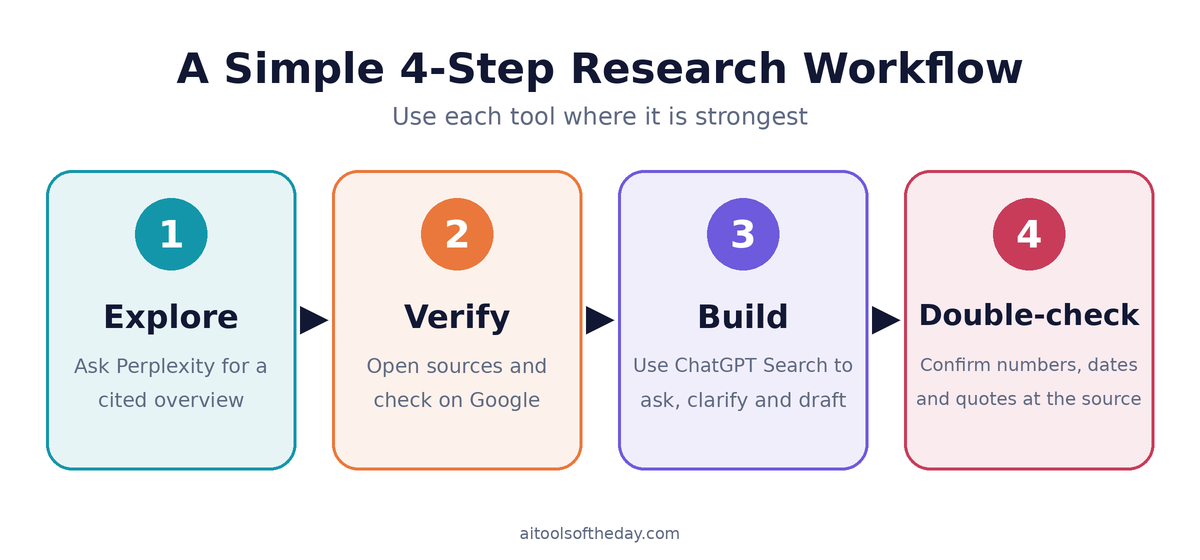
A Simple Research Workflow That Works
- Explore with Perplexity. Ask your main question and read the cited summary to get oriented.
- Verify with Google. Open the key sources, search for opposing views and look for official or primary documents.
- Build with ChatGPT Search. Ask follow-up questions, clarify confusing points and turn your verified notes into an outline or draft.
- Double-check the facts. Confirm numbers, dates and quotes on the original pages before you share or publish anything.
This three-step approach combines the strengths of each tool and covers the weaknesses of the others.
Common Mistakes to Avoid
- Trusting a summary without opening the source. Citations only help if you actually check them.
- Using only one tool. Each has blind spots, so cross-checking pays off.
- Asking vague questions. Specific questions with a clear goal, timeframe and audience give much better results.
- Forgetting the date. Always check when a source was published, especially for fast-changing topics.
Frequently Asked Questions
Is Perplexity better than Google for research?
For getting a quick, sourced overview, many people find Perplexity faster. For exploring the full range of information on the web, Google is still stronger. Many researchers use both.
Can ChatGPT Search replace Google?
It can replace Google for many question-and-answer tasks, but Google remains better for maps, shopping, local businesses, images and browsing a wide range of sources.
Which tool is most accurate?
No AI tool is always accurate. The most reliable approach is to check the cited sources yourself, whichever tool you use.
Are these tools free?
Yes, all three have free options. Paid plans offer more usage and advanced features. Check current pricing on each official site.
Can I use AI search results in my assignments or articles?
Use AI tools to find and understand information, then cite the original sources and write in your own words. Also follow your school's or publisher's rules about AI use.
Final Verdict
There is no single winner, because each tool is best at a different stage of research.
- Choose Perplexity when you want quick, cited answers.
- Choose Google when you want the widest view of the web and direct access to original sources.
- Choose ChatGPT Search when you want to talk through the topic and turn findings into finished work.
The best researchers in 2026 are not loyal to one tool. They know when to switch.
Want to try more options? Browse our full directory of AI research assistants and tools and find the right fit for your workflow.